Automating Market Data Downloads
Downloading a series once is a click. Keeping fifty of them current every week is a chore that quietly stops happening. The Automation tier exists for exactly that gap: a headless CLI, a scheduler, and a watch mode that refreshes a saved download to the latest date — the same engine, the same queue and the same politeness rules as the app you click, minus the clicking.
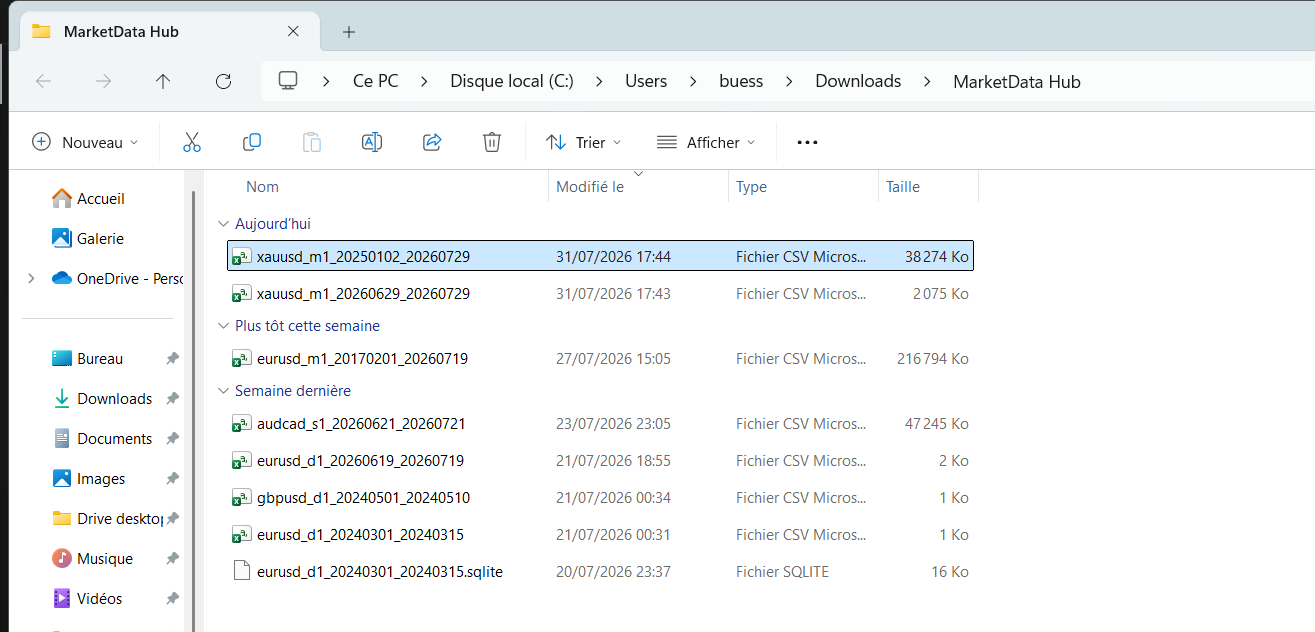
The headless CLI
The CLI is the same binary you installed, launched with a cli argument — no window, one job, an exit code your scripts can branch on, output to stdout and to the app's log. It reuses the app's own retrieval stack (the queue, the retry ladder, the resume manifest), so a CLI run behaves exactly like a clicked one, and it takes the same single-instance lock — it can never race the GUI into a second concurrent retrieval. One retrieval at a time is a deliberate, hard rule of the whole product, not a CLI limitation.
That makes the obvious pattern work: a shell script or Windows Task Scheduler entry that runs a nightly cli run, checks the exit code, and points your pipeline at the fresh file. cli list prints the saved profiles without taking the lock.
The scheduler
Inside the app, the scheduler fires your saved profiles on a cadence — daily, weekly, whatever the profile says — enqueuing each as an ordinary job. The honest caveat, stated plainly: it runs while the app is open. It is a convenience for a machine where the app lives in the tray, not a system service; for a headless box or a machine that reboots, the CLI plus your OS's own scheduler is the right tool, and it is the same tier.
Watch mode — the part that protects your dataset
Watch mode is what turns a one-off download into a maintained dataset: a scheduled run rolls its end date forward and fetches only the tail since a watermark — the point up to which the series is known complete. The detail that matters: the watermark only advances when a run finishes complete. A run that ends with missing chunks does not move it, so an outage can never bake a silent gap into the middle of a growing file. That is the same never-present-a-short-series-as-complete rule the whole engine enforces, applied across runs.
Profiles travel
Profile import/export rounds it out: your instrument/timeframe/range configurations move between machines as a small config file. Configuration only — never data, never a licence.
What it costs and where it fits
All four capabilities are the Automation tier — €40, one-time. Like every tier it reaches the full catalogue and full history; what you are buying is the software around the download. It pairs naturally with the workflows in SQL over Parquet with DuckDB and Python & pandas — a nightly CLI run feeding a DuckDB query is a complete, dependency-light market-data pipeline on hardware you own.
Frequently asked questions
- Does the scheduler run when the app is closed?
- No — it fires while the app is open (a tray-resident app on a work machine covers most cases). For fully unattended runs, use the headless CLI with your operating system’s own scheduler: same engine, same tier.
- Can the CLI download several instruments in parallel?
- No, and neither can the app: one retrieval at a time is a deliberate rule of the whole product — the engine already keeps a full request pipeline in flight for that one job, and a second simultaneous job would double the load on the source. Queue jobs; they run in order.
- What happens if a scheduled run fails halfway?
- The run resumes from its on-disk manifest next time, and watch mode’s watermark does not advance past an incomplete window — so a network outage delays your dataset’s growth but can never leave an invisible hole inside it.
- Is automation a subscription?
- No — €40 one-time, like every tier. No renewal, no per-run metering, no data quota.
Related markets
- Crypto historical data · 33 instruments
Related guides
- Backtesting a Trading Strategy with Historical Data
- Loading Historical Market Data in Python (pandas, Backtrader & VectorBT)
- Querying Historical Market Data with SQL (DuckDB)
- How to Import Historical Data into MetaTrader 4 & 5
- Importing Historical Data into NinjaTrader 8
- Historical Market Data in Excel & Google Sheets
- How to Use MarketData Hub — The Complete Guide
- Download Gold (XAU/USD) Price History
- Historical Market Data CSV & JSON Format Explained
- Download EUR/USD Price History
- How Far Back Does Historical Market Data Go?