How to Import Historical Data into MetaTrader 4 & 5
MetaTrader's built-in history is often shallow and broker-dependent. Importing your own clean CSV gives you deeper, consistent data for backtesting expert advisors. Here's how to load it into both MT4 and MT5.
Get the app — €9 →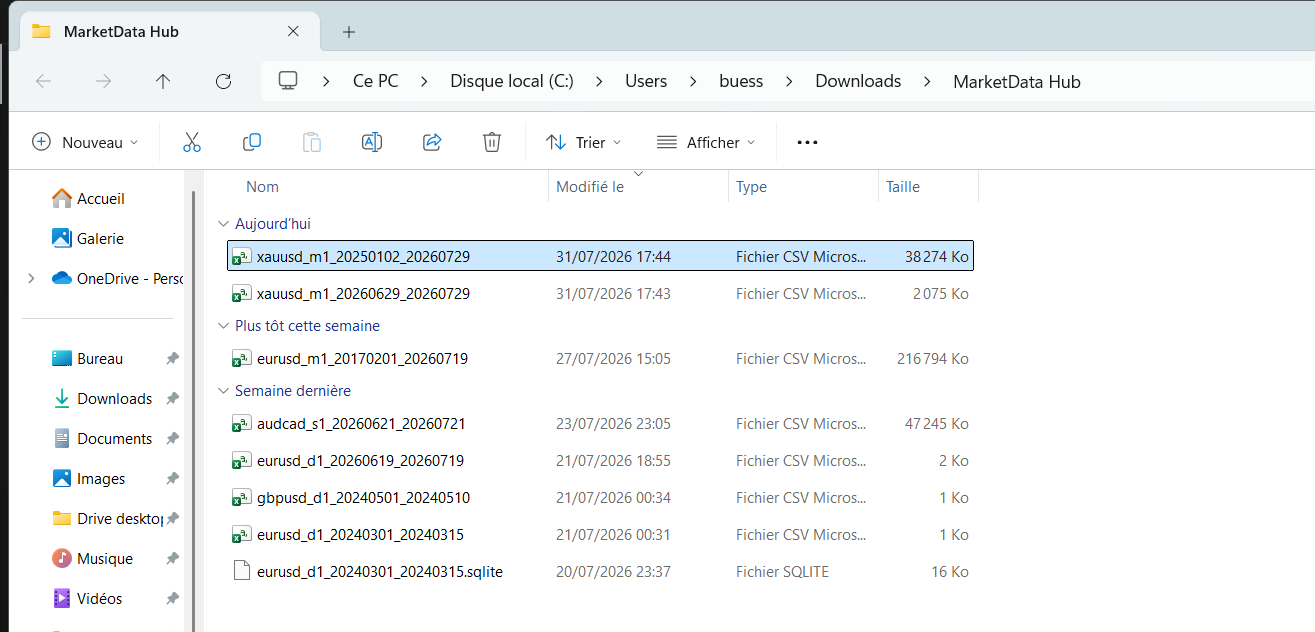
Before you start: get the CSV
Download the instrument and timeframe you need as CSV — for example EUR/USD 1-minute candles. Pick bid or ask to match how you model fills, and note that MetaTrader expects ascending timestamps (oldest first), which our exports already use.
MetaTrader 4 — History Center
- Open Tools → History Center (or press F2).
- Select the symbol and timeframe in the left tree, then click Import.
- Choose your CSV, set the separator to comma, and map the columns (date/time, open, high, low, close, volume).
- Click OK, then refresh the chart. For the Strategy Tester, lower-timeframe data generates the higher ones, so import the finest timeframe you'll test.
MT4 stores history in .hst files; if a broker feed overwrites your import, set the chart's "Max bars in history" high and reconnect after importing.
MetaTrader 5 — Custom Symbols
MT5 replaced the History Center with custom symbols, which is cleaner for imported data:
- Open View → Symbols, click Create Custom Symbol (optionally copying an existing one as a template).
- Select your custom symbol, open the Bars or Ticks tab, and click Import.
- Point it at your CSV, set comma separator and the correct time format, and import.
- Open a chart on the custom symbol and run the Strategy Tester against it.
Tick vs bar import
For "every tick based on real ticks" modelling in MT5, import our tick data into the custom symbol's Ticks tab. For faster bar-based backtests, 1-minute candles are usually enough. Grab a file from all instruments and import.
Frequently asked questions
- What CSV format does MetaTrader need?
- Comma-separated, oldest row first, with date/time plus open, high, low, close and volume for bars (or date/time, bid, ask for ticks in MT5). Our exports already use ascending UTC timestamps and this column layout.
- Why is my MetaTrader history so short or different from the broker?
- Built-in MT4/MT5 history is limited and broker-specific. Importing your own CSV gives deeper, consistent data — useful for backtesting across longer periods and multiple market regimes.
- Can I backtest an EA on imported data?
- Yes. After importing (History Center in MT4, or a custom symbol in MT5), select the symbol/timeframe in the Strategy Tester. Import the finest timeframe you intend to test, since coarser ones are derived from it.
- Should I import tick data or candles into MT5?
- Import tick data into the custom symbol Ticks tab if you need "every tick based on real ticks" modelling; otherwise 1-minute bars are faster and sufficient for most backtests.
Related markets
- Forex Crosses historical data · 55 instruments
- Forex Majors historical data · 7 instruments
Related guides
- Backtesting a Trading Strategy with Historical Data
- Loading Historical Market Data in Python (pandas, Backtrader & VectorBT)
- Querying Historical Market Data with SQL (DuckDB)
- Automating Market Data Downloads
- Importing Historical Data into NinjaTrader 8
- Historical Market Data in Excel & Google Sheets
- How to Use MarketData Hub — The Complete Guide
- Download Gold (XAU/USD) Price History
- Historical Market Data CSV & JSON Format Explained
- Download EUR/USD Price History
- How Far Back Does Historical Market Data Go?